Speed matters in modern video production. Whether creators are trimming social media clips, delivering client work, or pushing out daily content, waiting on bloated export workflows can slow everything down. Minimalist video export tools focus on one thing: delivering clean, optimized final renders as quickly and efficiently as possible, without overwhelming users with unnecessary features.
TLDR: Minimalist video export tools prioritize speed, simplicity, and clean output over complex editing features. The best options streamline render settings, reduce system strain, and produce high-quality files quickly. Tools like HandBrake, Shutter Encoder, FFmpeg with GUI wrappers, and QuickTime Player offer fast, efficient export solutions. For creators who want dependable results without heavy software, these lightweight tools can dramatically improve workflow speed.
For editors who already cut footage in larger platforms—or creators who simply need to compress, convert, or finalize video files—minimal export tools can be transformative. Below are four of the best minimalist video export tools designed specifically for fast and dependable final renders.
1. HandBrake
Best for: Fast compression and high-quality format conversion
HandBrake remains one of the most popular open-source video transcoding tools available. Its clean interface and powerful presets make it ideal for users who want to render finalized files with minimal setup. Rather than offering a full editing suite, HandBrake focuses strictly on encoding and compression—making it lightweight and fast.

Why it stands out:
- Pre-configured export presets for web, devices, and platforms
- Batch processing capabilities
- Constant Quality and average bitrate control
- Support for modern codecs including H.264 and H.265
One of HandBrake’s strongest advantages is its intelligent balance between simplicity and control. Beginners can select a preset like “General HQ 1080p,” hit Start, and receive a polished file. More advanced users can fine-tune RF values, adjust bitrate, or tweak encoding speed settings for faster output.
Because HandBrake is optimized only for transcoding—not editing—it uses system resources efficiently. Even on older machines, it can deliver clean final renders without the overhead associated with full editing software suites.
Best use case: Final compression before uploading to YouTube, client delivery compression, or reducing file size for archiving.
2. Shutter Encoder
Best for: Versatile exports with a minimalist workflow
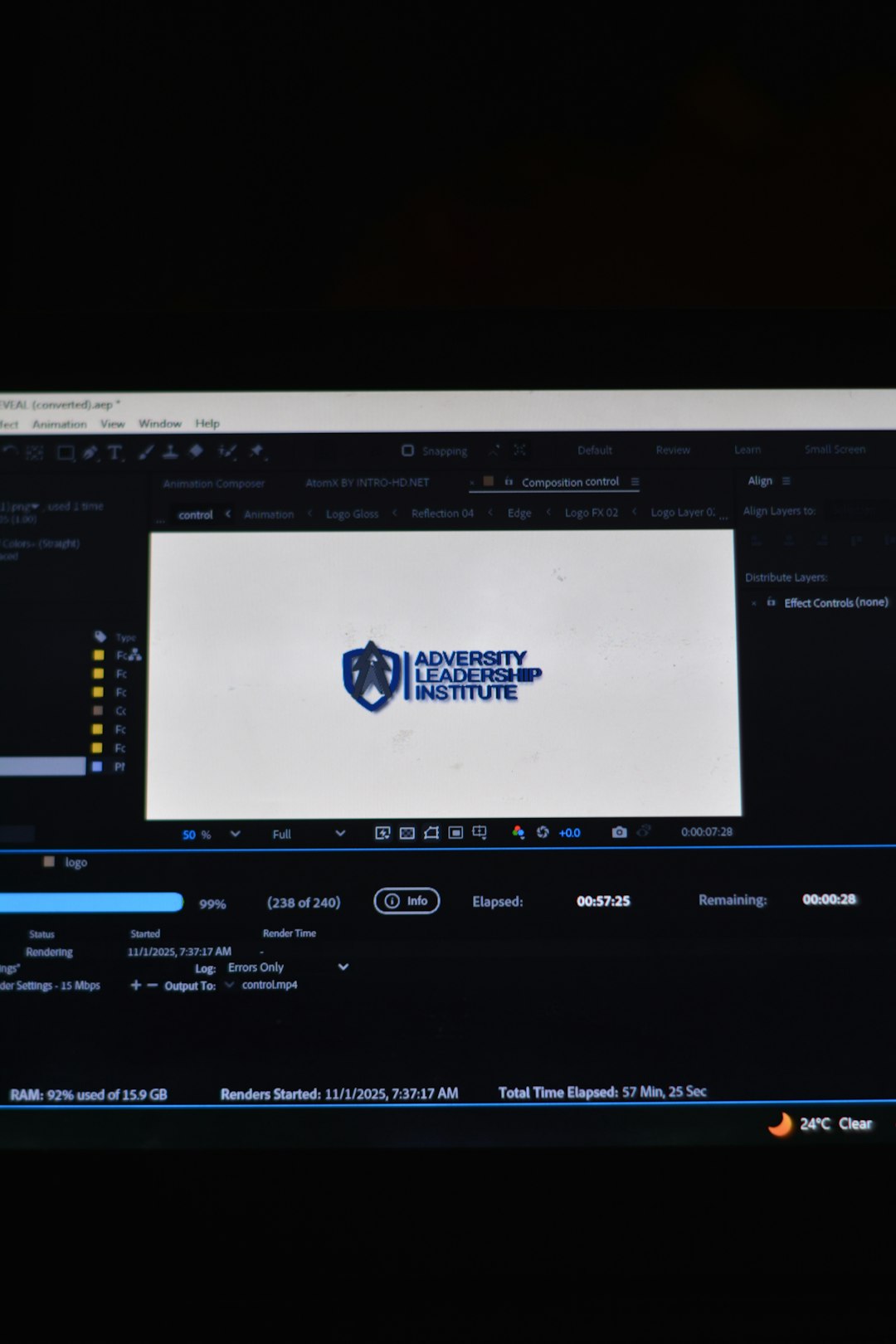
Shutter Encoder combines a streamlined interface with surprisingly robust export options. Built with FFmpeg under its hood, it gives users professional-grade encoding power without requiring command-line knowledge.
What makes Shutter Encoder appealing is how it guides users directly toward the function they need. Instead of navigating through extensive menus, users choose a task—such as “H.264 conversion” or “Web optimized”—and proceed immediately to output settings.
Key Features:
- Wide codec support including ProRes, DNxHD, H.264, H.265
- Fast trim without re-encoding
- Built-in loudness normalization
- Simple drag-and-drop workflow
For editors who need professional intermediate codecs without opening a heavy NLE (non-linear editor), this tool is extremely practical. The ability to trim clips without full re-export saves considerable time when preparing final deliverables.
Additionally, Shutter Encoder offers GPU acceleration options on compatible systems. That means faster output times without complicated configuration steps.
Best use case: Preparing broadcast-ready deliverables or converting edited timelines into platform-specific formats quickly.
3. FFmpeg (with GUI Wrapper)
Best for: Maximum speed and automation
FFmpeg is the backbone of many modern encoding tools. On its own, it operates through command-line input, which can be intimidating. However, when paired with lightweight GUI wrappers such as WinFF or other frontend interfaces, FFmpeg becomes one of the fastest and most powerful minimalist export tools available.
For those comfortable with presets or automation scripts, FFmpeg can outperform many traditional export systems. It eliminates graphical overhead and executes direct encoding commands efficiently.
Advantages include:
- Extremely fast processing with proper parameters
- Complete control over bitrate, codecs, resolution, and frame rate
- Automation for batch exports
- Minimal system resource usage
Video production teams often integrate FFmpeg into automated pipelines. For example, once an editor exports a master file, FFmpeg can automatically generate platform-specific copies—Instagram, YouTube, TikTok—without manual interaction.
Although the learning curve can be steeper than other tools on this list, the payoff is substantial. Once presets are defined, exporting becomes almost instantaneous from a workflow perspective.
Best use case: Bulk exporting, automation, production pipelines, or users who prioritize efficiency above all else.
4. QuickTime Player (Mac)
Best for: Ultra-simple, built-in exports
QuickTime Player is often overlooked as a legitimate export solution. However, for Mac users seeking rapid final renders without installation overhead, it can be an excellent minimalist option.
While it does not offer deep codec customization, QuickTime excels in simplicity. Users can open a file, choose “Export As,” select resolution (4K, 1080p, 720p), and finish the render in just a few clicks.
Highlights:
- No additional software required
- Extremely straightforward export process
- Fast render times for trimmed clips
- Reliable quality for general use
Because it is optimized within macOS, QuickTime integrates efficiently with system resources. For quick trims, screen recordings, or simplified client previews, it performs surprisingly well.
However, advanced compression controls are limited. Those requiring bitrate customization or specific codecs may prefer HandBrake or Shutter Encoder instead.
Best use case: Quick client previews, fast trimming, or last-minute exports without opening heavy editing software.
Why Minimalist Export Tools Improve Workflow
Heavy editing programs often consume memory and CPU resources even when users only need a final export. Each additional feature—effects processing, plugins, timeline previews—adds overhead that can slow rendering performance.
Minimalist tools improve speed in several ways:
- Reduced interface overhead
- Direct encoding pipelines
- Batch automation capabilities
- Less background processing
By separating editing from exporting, creators streamline their process. Edit inside a powerful NLE if needed—but rely on a lean export tool for final compression and distribution. The result is faster turnaround, fewer crashes, and improved reliability.
How to Choose the Right Tool
Each export tool serves a slightly different audience. Choosing correctly depends on workflow needs and technical comfort level.
- For beginners: HandBrake offers presets with minimal confusion.
- For professionals needing codec support: Shutter Encoder is versatile yet simple.
- For automation and speed: FFmpeg with presets is unmatched.
- For Mac users wanting zero setup: QuickTime is immediate and reliable.
Ultimately, the best minimalist tool is the one that removes friction. The fewer clicks required to produce a high-quality file, the better the workflow becomes.
FAQ
1. Are minimalist video export tools lower quality than full editing software?
No. Many minimalist tools use the same encoding engines as professional editing programs. Quality depends on chosen bitrate and codec settings, not on software size.
2. Can these tools replace full video editing software?
They are not designed for editing. They specialize in exporting, compressing, and converting files. Most users pair them with editing platforms rather than replacing them entirely.
3. Do minimalist tools export faster?
Often yes. Because they lack heavy interface rendering and background processes, they can allocate more system resources to encoding, resulting in faster final renders.
4. Which codec is best for quick online uploads?
H.264 remains the most widely accepted and balanced option for quality and file size. H.265 offers better compression but may take longer to encode.
5. Are these tools beginner-friendly?
HandBrake and QuickTime are very user-friendly. Shutter Encoder offers more controls but is still accessible. FFmpeg requires basic technical familiarity unless paired with a GUI.
6. Do they support batch exporting?
Yes. HandBrake, Shutter Encoder, and FFmpeg all support batch processing, making them ideal for creators handling multiple files.
For creators who value speed, clarity, and efficiency, minimalist export tools offer a practical advantage. Rather than overcomplicating the final stretch of production, these streamlined solutions focus on delivering clean, optimized files quickly. In fast-paced content environments, that simplicity can make all the difference.