



In an increasingly connected world, technology has seamlessly entered every corner of our lives — and with it comes a jungle of cords and chargers. From phone cables and charging bricks to HDMI cords and power strips, the mess can quickly become overwhelming. Whether at home or in the office, proper cable management not only improves aesthetics but also enhances safety and prolongs the life of your gear.
TL;DR (Too Long; Didn’t Read)
Managing cords and chargers eliminates clutter, reduces tripping hazards, and makes finding the right cable hassle-free. Grouping wires by device, labeling them, and using organizers like clips and trays are essential steps. For more advanced setups, under-desk mounts and hidden power strips provide even greater tidiness. Regular check-ins to remove unused cables help keep things efficient.
Why Cable Management Matters
Effective cable management offers a range of benefits that go well beyond mere looks:
- Safety: Loose cords can cause tripping hazards and overheating.
- Durability: Tangled cables tend to wear out faster, especially at connection points.
- Efficiency: A well-organized system saves time when locating or swapping cables.
- Professionalism: A tidy workspace exudes a sense of order and discipline, ideal for business settings.
Getting Started: Take Inventory
Before diving into cable management solutions, it’s essential to assess the scope of the clutter. Collect all the cables, chargers, and related accessories you have — from laptops and phones to modems and printers. Lay them out and group them according to function. Discard any that are damaged or no longer in use.
Essential Tools for Cable Management
To maintain a clean and structured space, a few essential items will come in handy:
- Cable clips and clamps: Ideal for securing cords to walls or underneath desks.
- Zip ties (reusable preferred): Great for bundling cables together neatly.
- Velcro straps: Adjustable and reusable for frequent changes.
- Cable sleeves or tubing: Combines multiple wires into a single channel for easier routing.
- Cable boxes or trays: Hide power strips and adapters out of sight.
- Labels or colored tapes: For identifying different cables instantly.
Home Office Setup
The home office is typically where the most electronics are concentrated — computers, monitors, printers, chargers, and peripheral devices. Here are some strategies to tame the chaos:
- Use a cable tray: Mount a tray underneath your desk to hold power strips and keep everything off the floor.
- Desk grommets: These small holes installed on desks offer clean exits for cords, reducing tangles.
- Mount power strips: Attach them to the underside of desks or the wall for easier access and reduced clutter.

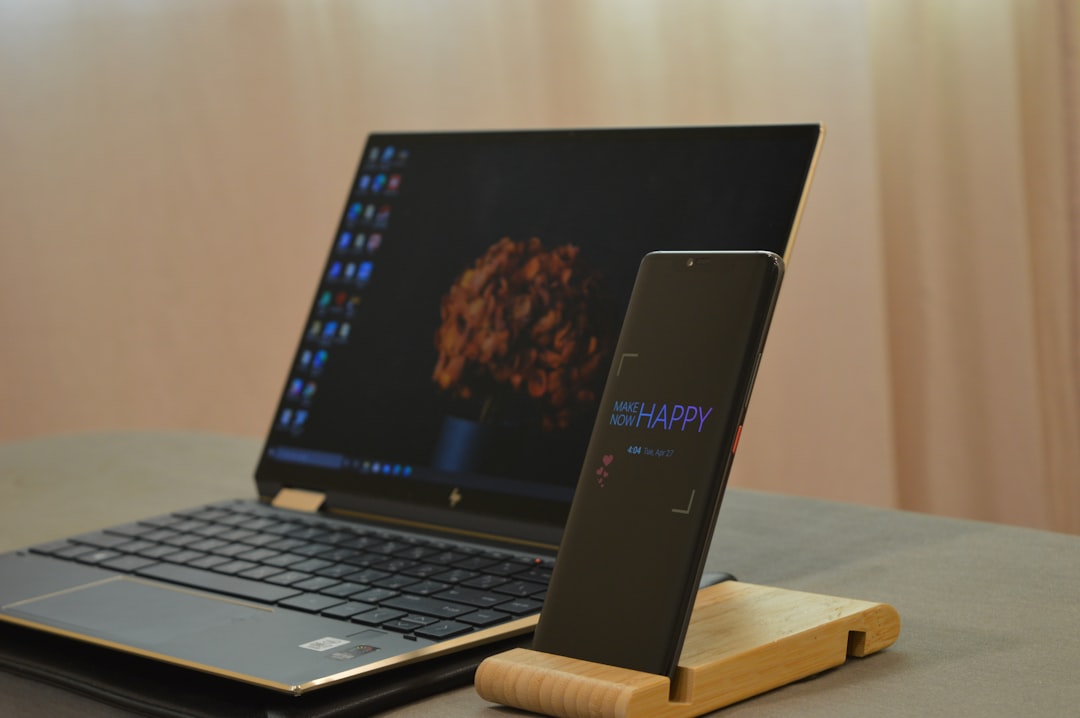
Additionally, avoid stretching cords across walking areas and be mindful of keeping power bricks ventilated to avoid overheating.
Cable Management for Entertainment Centers
TVs, gaming consoles, streaming devices, and cable boxes often share limited space, causing a tangled mess of cords behind entertainment units. Use these techniques to improve your setup:
- Attach labels at both ends of HDMI, power, and audio cables to identify them quickly without guesswork.
- Apply wall clips to guide cables neatly down the back of your setup, minimizing visibility.
- Use cable sleeves or spiral wraps to group cords running in the same direction.
- Dedicate a cable box to conceal bulky power bricks and multi-outlet surge protectors.

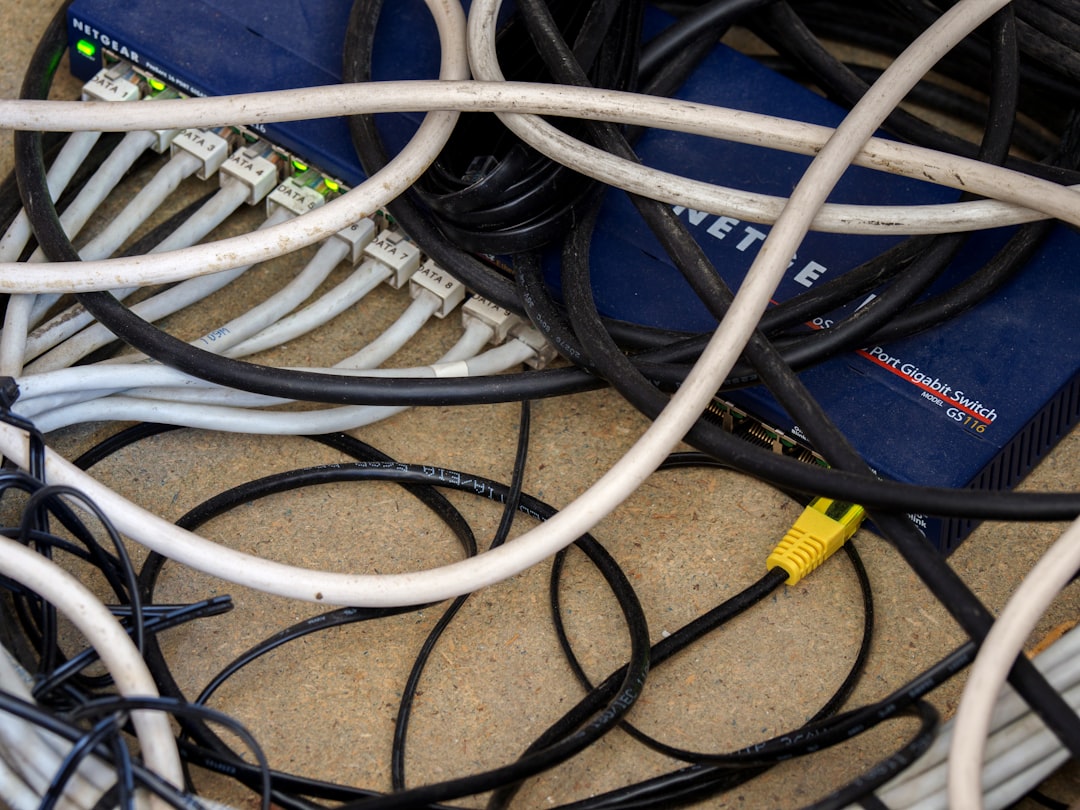
Grouping devices by function (such as media and gaming) also makes the system easier to troubleshoot or upgrade in the future.
Mobile Device Charging Stations
Smartphones, tablets, wireless headphones, and smartwatches require frequent charging, which often means cords creep into every corner. A dedicated charging station helps centralize these wires. Here’s how to set one up:
- Create a docking area: Designate a tray, box, or shelf to be the central charge zone.
- Use a multi-device USB charger: These units can reduce the need for multiple bricks and combine several cords into one power source.
- Add short cables or retractable ones: Shorter lengths help avoid cord entanglement, especially in tight spaces.
Velcro straps or silicone cord organizers can also keep smaller cables from falling off surfaces or getting lost under tables.
Travel and Portable Cable Management
Keeping cables organized on the go is just as important. Nothing is more frustrating than hunting through a tangled mess in a backpack or suitcase. Follow these suggestions:
- Invest in a cable organizer pouch: Dedicated sections for chargers, earbuds, and USB cords keep everything sorted.
- Use cable winders or wraps: Prevent tangling and kinks.
- Label with tags or color coding: Ideal for distinguishing between charging cables for different devices.
By preparing an organized system for travel, the headache of untangling disappears, and everything remains ready for use at a moment’s notice.
Maintaining Long-Term Organization
Once the cords are tamed, the key to sustainability is regular maintenance. Here are a few tips:
- Review quarterly: Go through your cable setup every few months to identify any excess or non-functional cords.
- Label new cables immediately: Don’t wait until confusion sets in.
- Store spares properly: Use airtight containers or zip-top bags labeled by function or device.
- Avoid overstuffing outlets: Relay the load across multiple power sources to prevent short circuits or overheating.
Children and pets in the home should also be a consideration — hiding cords and keeping them out of reach ensures safety and longevity.
Conclusion
Organizing cords and chargers may seem like a small detail, but it has a powerful impact on daily comfort and productivity. Using simple tools like clips, trays, labels, and sleeves, individuals can easily craft a cleaner, safer, and more efficient environment. Whether it’s creating a sleek home office or simplifying daily charging, taking charge of your cable situation brings long-term peace of mind.
Frequently Asked Questions (FAQ)
- What’s the easiest way to start organizing cables?
- Start by gathering all your cords in one place and decluttering. Identify what you use often versus rarely, and group them accordingly before using straps or clips to bundle them neatly.
- Are there cable organizers available for people on a budget?
- Yes, even simple options like Velcro straps, binder clips, and empty toilet paper rolls can help with cable management while remaining affordable.
- What’s the best way to organize cables behind a TV?
- Use cable sleeves or raceways to collect and cover cords, attach clips along the back of the unit, and label each cord to easily identify them during setup changes.
- How can I keep charging cords from constantly falling off the table?
- Use cable clips or weighted cord holders to keep cables anchored at the edge of a desk or nightstand, preventing them from slipping out of reach.
- Is under-desk cable routing safe?
- Yes, as long as cords are not pinched or overly stretched. Using cable trays and adhesive clamps helps maintain airflow and accessibility while preventing strain on wires.